Onboarding
Your First Login
Once your organization is set up, all users can log in through your organization's portal.
Accessing Your Portal
Your portal is available at your organization's subdomain:
https://your-subdomain.beamedup.in
For example, if your subdomain is green-valley, your portal URL is https://green-valley.beamedup.in.
Logging In
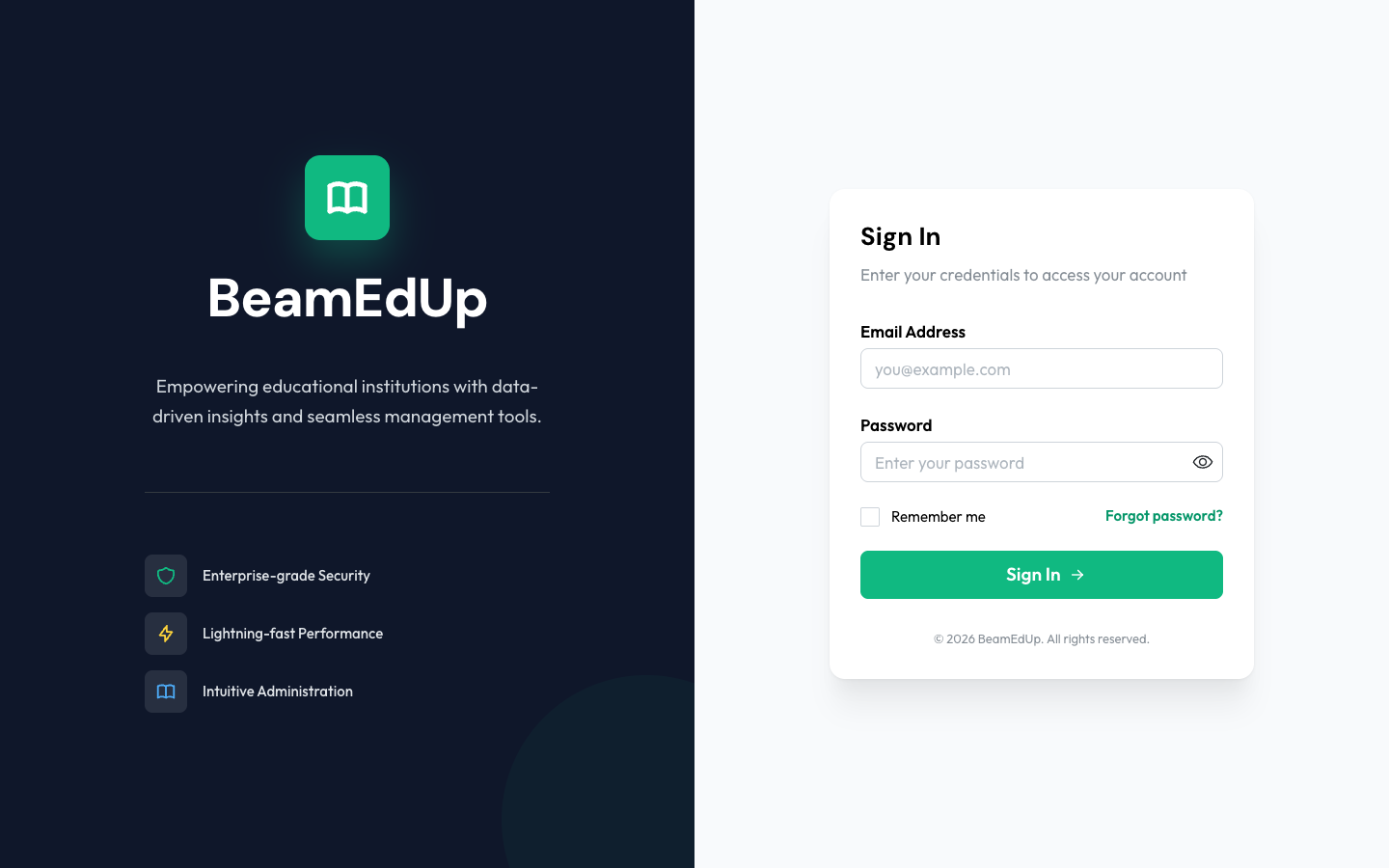
The login page shows your organization's branding (name and logo). Enter your credentials:
| Field | Description |
|---|---|
| Email or Login ID | Your email address or institutional ID (e.g., STU20250001) |
| Password | Your account password |
Options:
- Remember me - Stay logged in on this device
- Forgot password? - Reset your password via email
- Sign in with Google - Use Google OAuth if configured by your admin
Click Sign In to access your dashboard.
Without a Subdomain
If you access beamedup.in without a subdomain, you will see the organization code entry page. Enter your organization's code to be redirected to the correct portal.
After Login
After logging in, you are redirected to your Dashboard. What you see depends on your role:
- Organization Admin - Institution dashboard with branch stats, quick actions, and activity feed
- Instructor - Class overview with active exams, pending grading, and schedule
- Learner - Personal dashboard with streak, scores, upcoming exams, and announcements
- Guardian - Parent dashboard with children's performance cards and trends
First-Time Login Notes
- If your admin created your account with a temporary password, you may be asked to change your password on first login
- If your organization has not completed setup, you will be redirected to the setup wizard
Troubleshooting
| Problem | Solution |
|---|---|
| "Organization Not Found" | Check that you are using the correct subdomain in the URL |
| Wrong password | Click "Forgot password?" to reset it |
| Account not found | Contact your organization admin to verify your account was created |